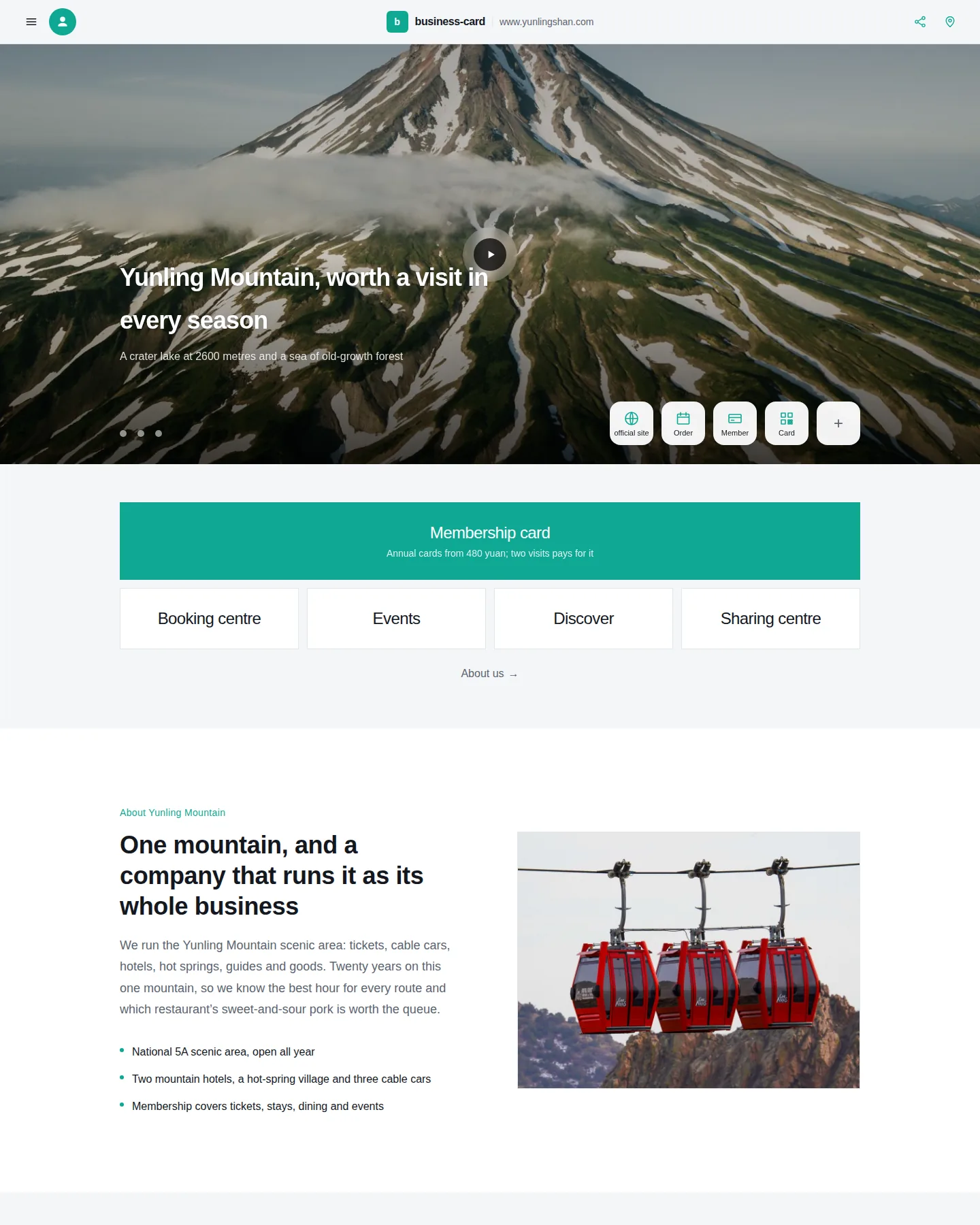
Business card site
A mobile-first company card: full-bleed image carousel, a stack of thumb-sized entry buttons, a drawer menu and a scan-to-share footer. The sample is a scenic-area operator; swap the copy and photos for any industry.
Describe what you need. App Studio plans it, writes the code, shows you a live preview, and publishes it when you say so.
Free to start. No credit card.
Build a customer portal where clients can see their invoices and upload documents…
Real, running software — not mockups.
Multi-page sites with your own copy, images and styling.
A single focused page with a form that actually collects submissions.
Sign-in, per-customer data, documents and status.
Consoles for the work your team already does in spreadsheets.
Records, forms, approvals and reporting over your own data.
Assistants that answer from content you supply.
One or two sentences is enough. Or start from a template.
A plan first, then real source files — you can read every one.
A running preview you can click through, and edits in plain language.
Every change is a diff you can read, with a version you can go back to.
When it looks right, publish it. Preview and production stay separate.
Every template is a running site with sample data, built for a specific kind of business. Open one and it works before you change a thing.
A mobile-first company card: full-bleed image carousel, a stack of thumb-sized entry buttons, a drawer menu and a scan-to-share footer. The sample is a scenic-area operator; swap the copy and photos for any industry.
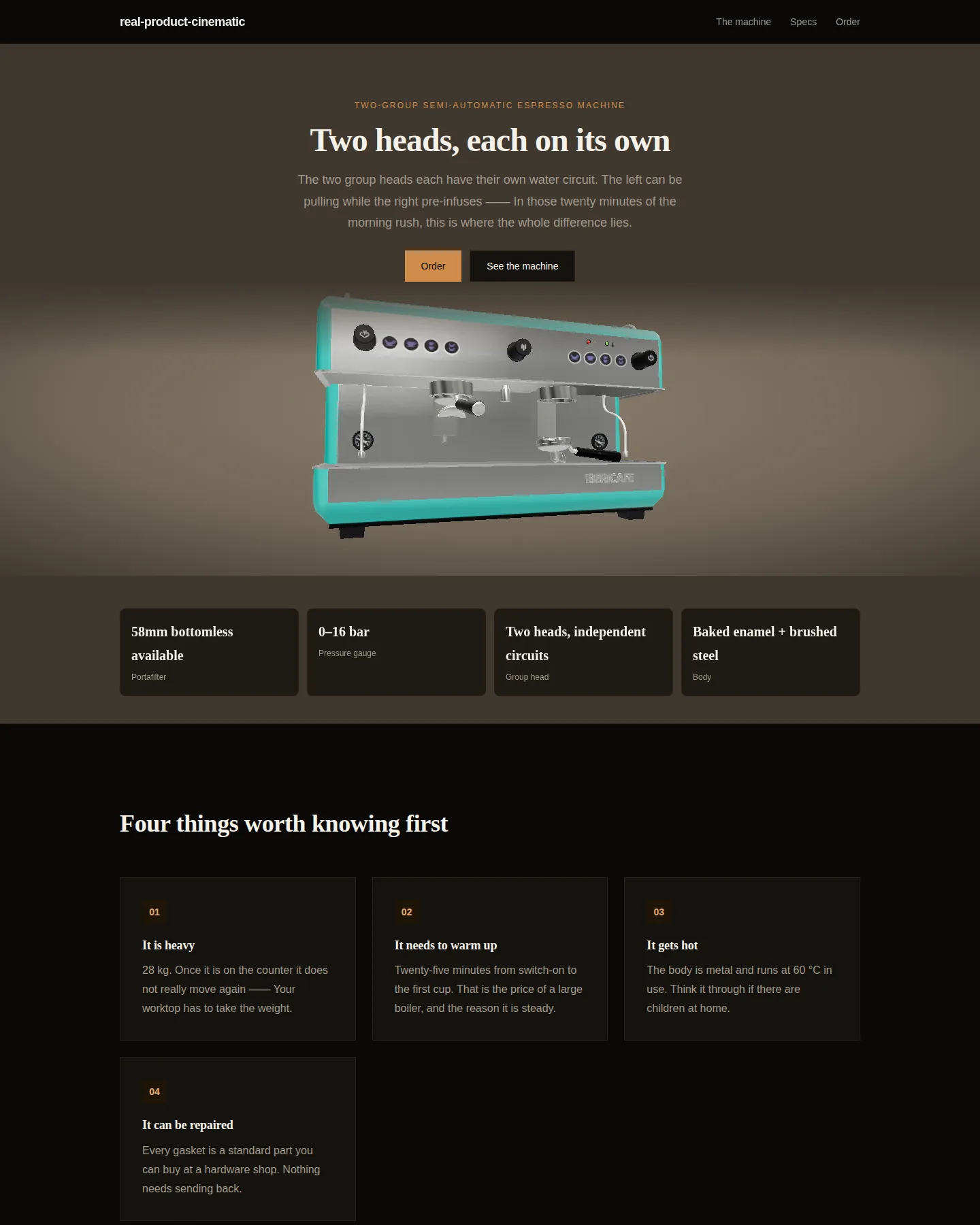
A general-purpose page for high-end physical products with the full motion director: arrival, idle, timed beats, dwell, hotspots, drag to explore, and scroll settle.
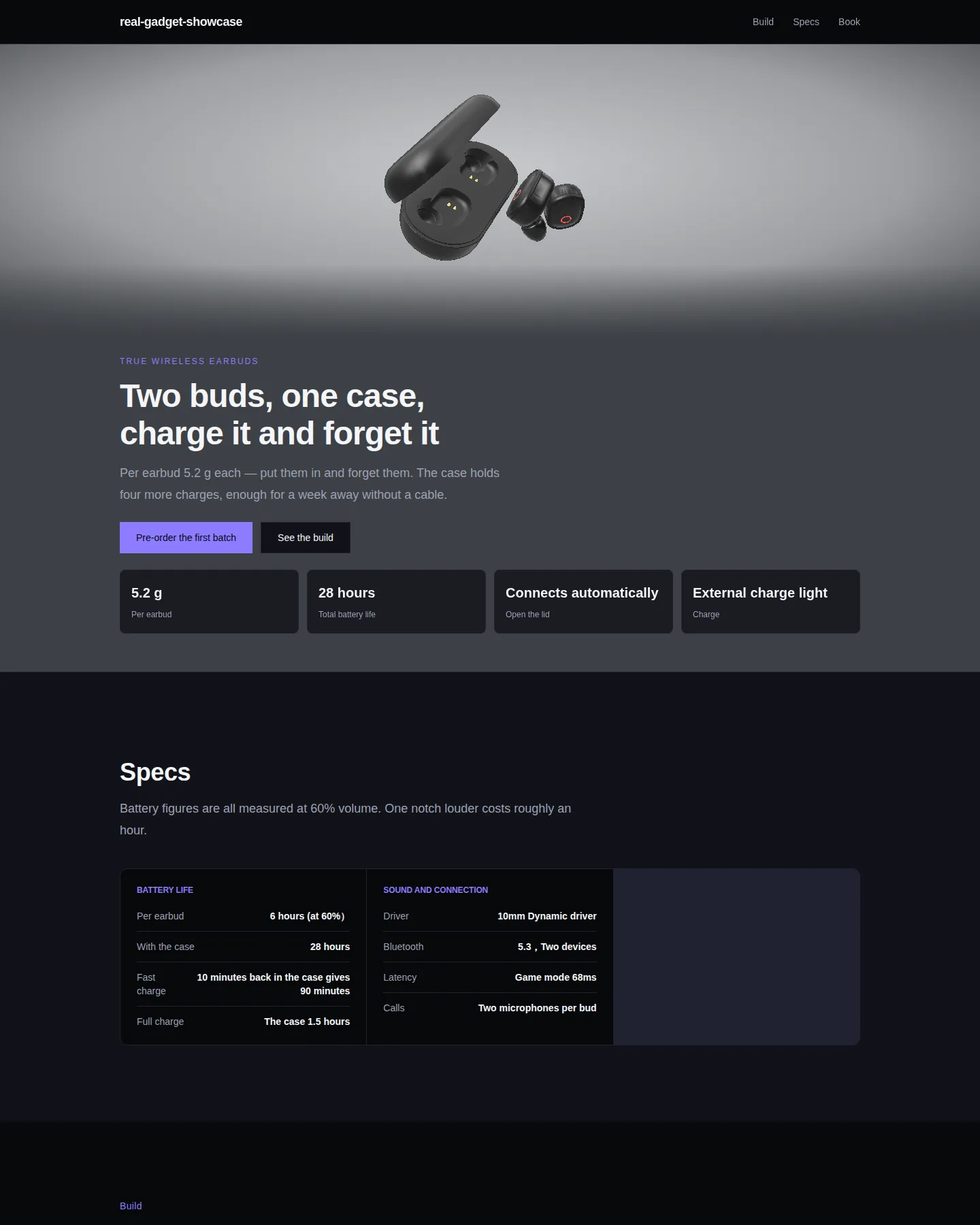
A real pair of earbuds on a full-bleed cinematic stage: light sweeps across the shell, hotspots surface when you linger, a click pushes to macro. Scroll only changes chapters — it keeps moving even when you don't.
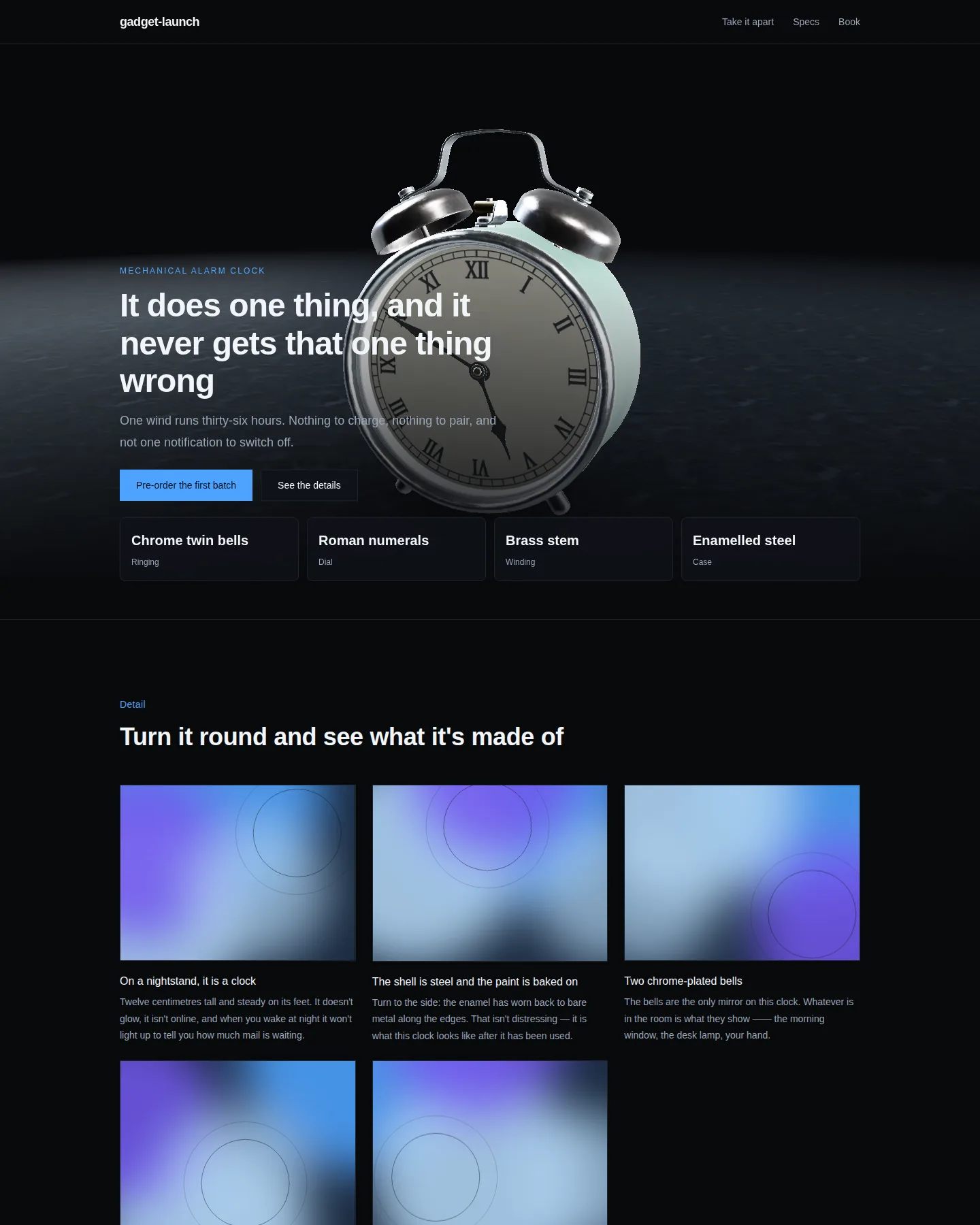
A real object in a dark studio: a turntable, a macro push-in and hotspots pinned to actual parts. Browsers that cannot draw it fall back to a poster rendered from the same model under the same lights.
Projects that need to store and protect data get the pieces to do it.
Records that persist, with queries written for you.
Accounts and sessions for the people who use what you built.
Uploads and documents, kept with the project.
Work that has to happen on the server, not in the browser.
API keys stored encrypted. The AI sees the name, never the value.
The things that matter once a real customer opens what you made.
Each project builds and runs in its own sandbox with its own resource limits.
Every build is a version. Going back is one action, not a rebuild.
Generated code is checked before you publish it, and you see what was found.
What you are trying out and what your customers see are different things.
You do not need to set up a company before you build anything. Start on your own, and bring people in when there is something to bring them into.
Sign up and you have a personal workspace. Build, preview and publish without inviting anyone.
When the work becomes a team's, create an organization: separate workspaces per product, members with roles, and its own plan and billing.
An organization can later connect to Infoholder for real customer, employee and contract data. Optional — your projects stay exactly where they are.
If your company runs on Infoholder, a workspace can connect to it — approved knowledge, business objects, workflows and agents become available to what you build. Your projects stay where they are; nothing moves.
Keep your project. Add business context.
Optional. App Studio works on its own.
Free covers building your first projects. Paid plans lift the limits and add custom domains, backend features and team workspaces.
See plansWebsites, landing pages, customer portals, internal tools, business apps and AI assistants. Anything that runs as a web application.
No. You describe what you want and review what comes back. The source is always there if you want to read or change it.
Yes, on paid plans. You add the domain, prove you own it with a DNS record, and point it at your published site.
Yes. A workspace can have members with roles, on plans that include team seats. Right now you pass the invitation link to them yourself.
Yes. Projects can have a database, sign-in, file storage and server-side logic.
No. Connecting a workspace to an Infoholder organization adds your business context, but App Studio works without it.
By what the AI does for you — each round of building or editing counts once. Your plan sets how many you get each month.
Your projects stay. Features above your new plan stop being available, and limits apply again at the end of the paid period.
Your first project takes about as long as explaining it.
Start building free